



Red Dragon Poker App Download
Mobile App
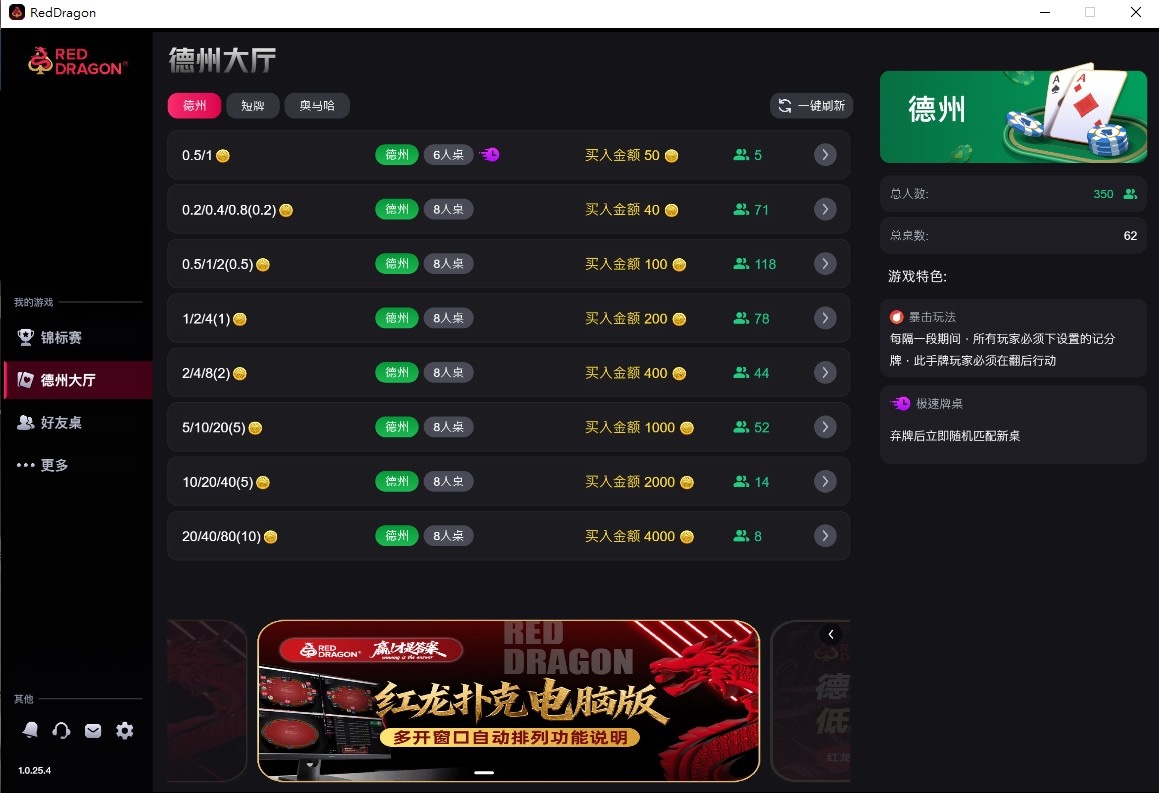
Supports native PC versions (Windows / macOS) and Mobile (iOS / Android). Choose your device type and follow the steps to start playing in 3 minutes.
Use this Red Dragon Poker download guide to compare platforms, check requirements and follow installation steps in Chinese, English or Vietnamese.
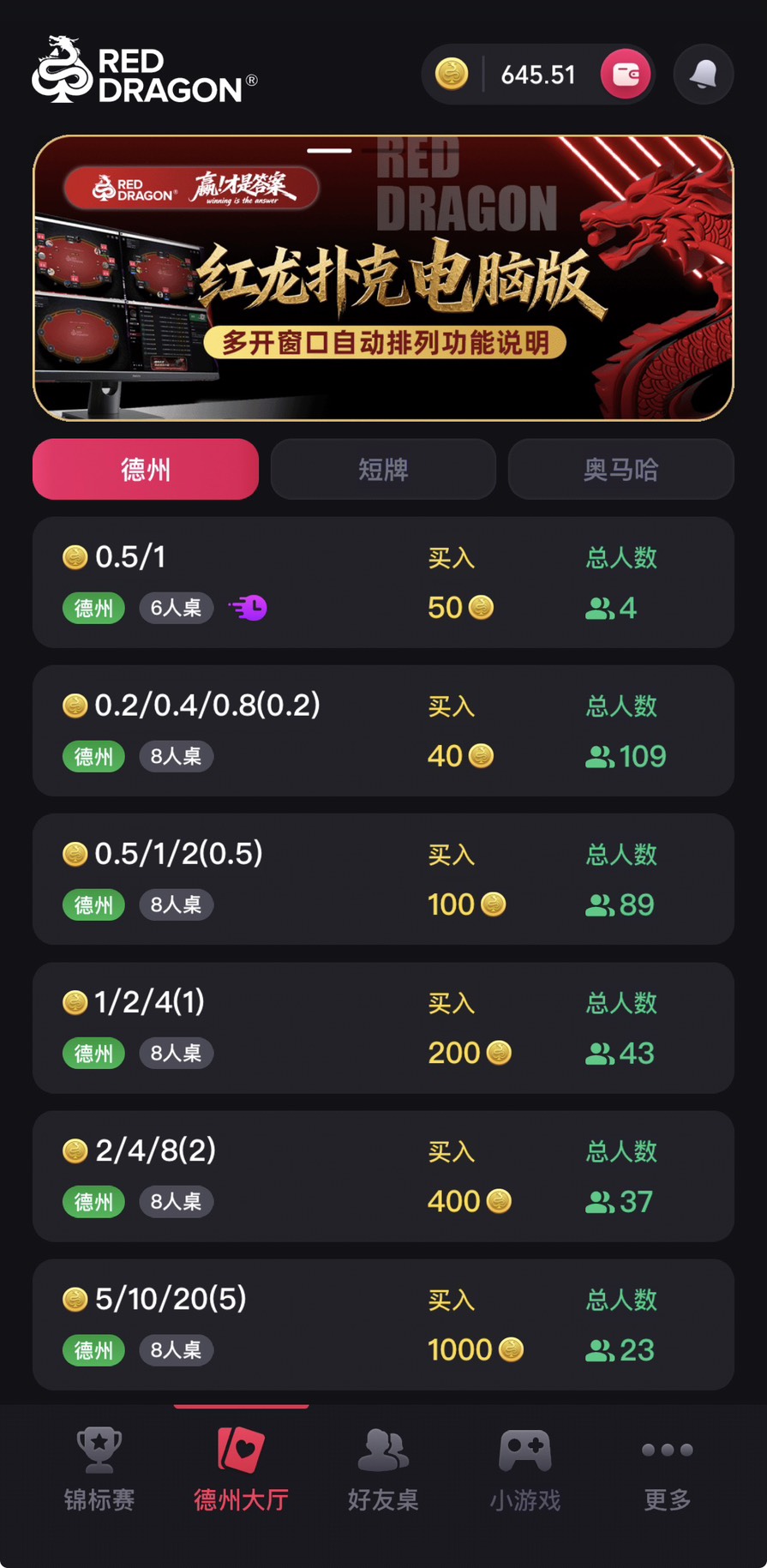
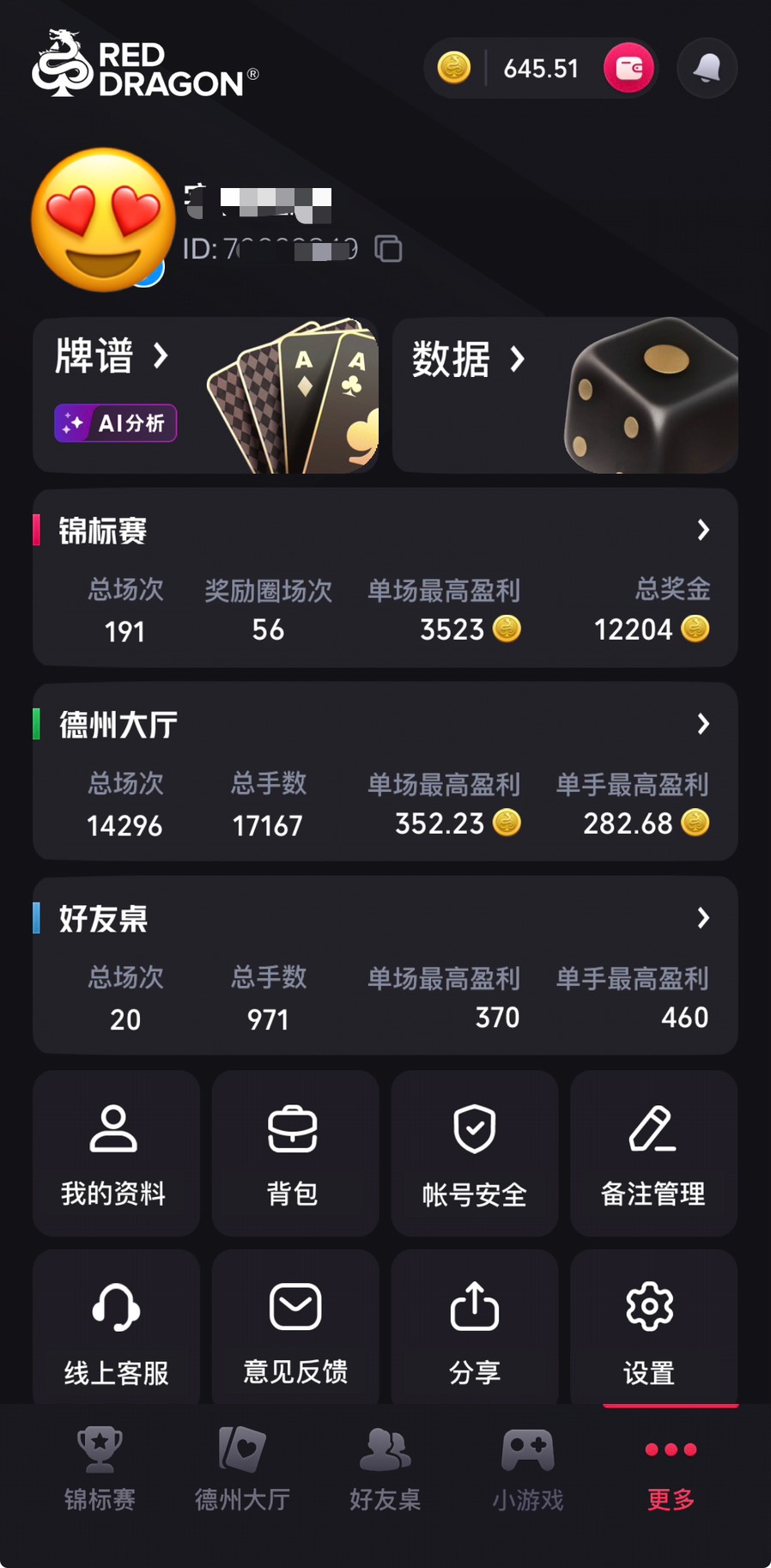

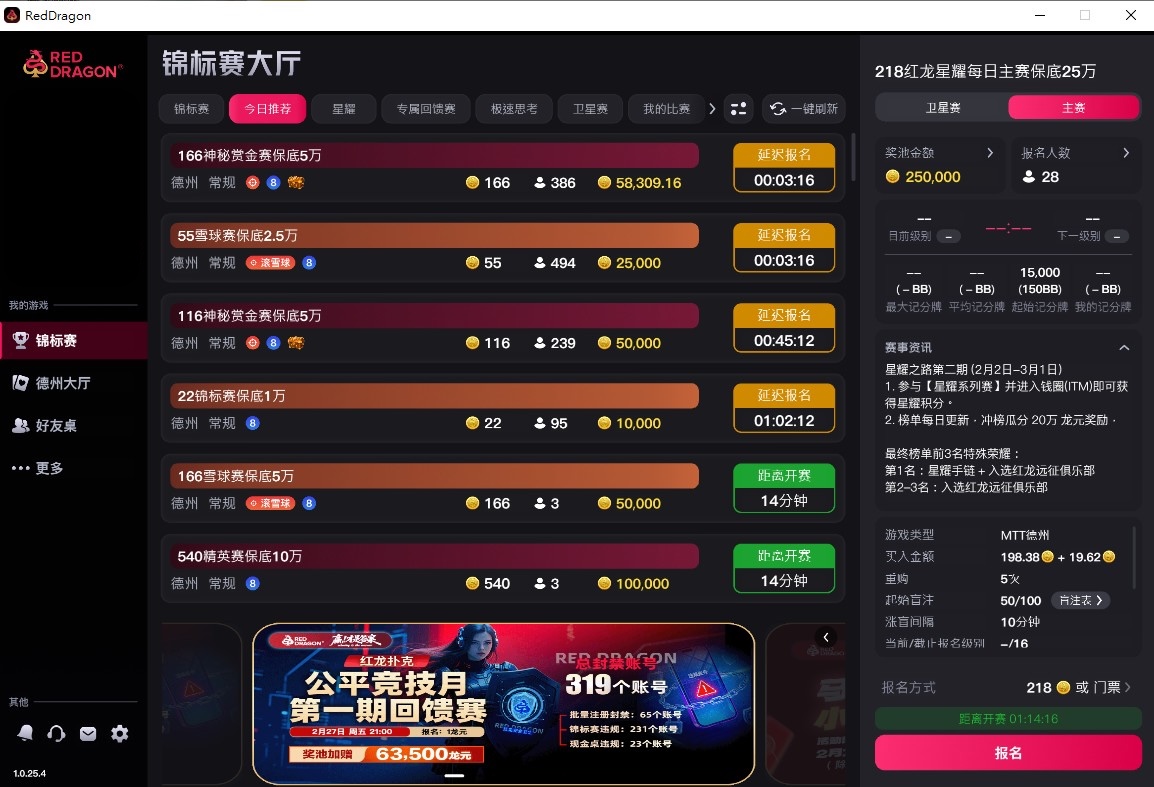

Installation Guide
Supported Languages
Mobile Installation Guide
Supports both iOS and Android. iOS users must perform the "Trust Certificate" step after installation.
- 1
Register & Download App
First-time users must register and verify their account before downloading the app.
1Official Download EntryGo to the official download page and choose your mobile system (iOS or Android)2Register AccountEnter mobile number and set password3Verify & DownloadDownload after account verificationTip: Please use a real mobile number for registration to ensure account verification and security.
- 2
Install App
1Android UsersAfter downloading the APK, click to install directly. If prompted with "Unknown Source", please allow the browser to install apps in Settings. Skip to Step 4 after completion2iOS UsersThe app will install to your home screen automatically after download. Do not open it yet! Please proceed to Step 3 - 3
iOS Required: Trust Certificate
If the app shows "Untrusted Enterprise Developer", follow these steps:
1Open SettingsGo to "Settings" > "General"2VPN & Device ManagementScroll down to find "VPN & Device Management"3Click TrustSelect the certificate under Enterprise App and tap "Trust" - 4
Launch & Login to Game
After completing the steps above, open the app and login with your registered account.
1Launch GameTap the Red Dragon icon on your home screen2Login AccountLogin with the account you just registeredTip: If the app crashes or doesn't respond, try restarting your phone to refresh system permissions.
Installation FAQ
Q: Why does Windows show a blue warning during installation?
This is a Windows Defender SmartScreen prompt. Please click "More info" -> "Run anyway" to proceed. Our software is scanned and safe to use.
Q: iOS app won't open (Certificate Revoked)?
Enterprise certificates update occasionally. If the app stops working, please delete the old app, download the latest version from this page, and repeat the trust steps.